On the Firefox UX team, a human-centered design process and a “roll up your sleeves” attitude define our collaborative approach to shipping products and features that help further our mission. Over the past year, we’ve been piloting a Usability Mentorship program in an effort to train and empower designers to make regular research part of their design process, treating research as “a piece of the pie” rather than an extra slice on the side. What’s Mozilla’s Firefox UX team like? We have about twenty designers, a handful of user researchers, and a few content strategists.
This blog post is written by Holly (product designer, and mentee), and Jennifer (user researcher, and mentor).
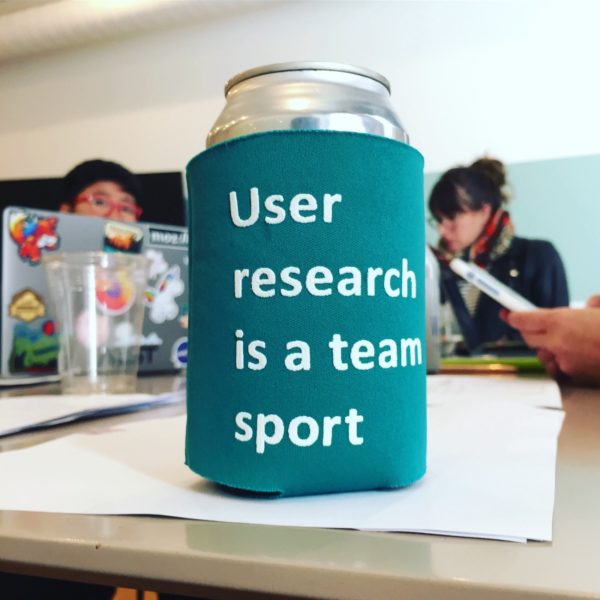
photo: Holly Collier; A coozy gift from Gemma Petrie. Credit for the phrase goes to Leslie Reichelt at GDS.
Why should I, a designer, learn user research skills?
Let’s start with Holly’s perspective.
I’m an interaction designer — I’ve been designing apps and websites (with and without the help of user research) for over a decade now, first in agencies and then in-house at an e-commerce giant. Part of what drew me to Mozilla and the Firefox UX team a year ago was the value that Mozillians place on user research. When I learned that we had an official Usability Mentorship program on the Firefox UX team, I was really excited — I had gotten a taste of helping to plan and run user research during my last gig, but I wanted to expand my skill set and to feel more confident conducting studies independently.
I think it’s really important to make user research an ongoing part of the product design process, and I’m always amazed by the insights it produces. By building up my own user research skill set, it means that I’m in a better position to identify user problems for us to solve and to improve the quality of the products I work on.
How does the mentorship program work?
And now onto Jennifer. She’ll talk about how this all worked.
A little bit about me before we dive in. I’m a user researcher — I’ve been in the industry for 6 years now, and at Mozilla on the Firefox User Research team for 3 years. I’ve worked at a couple big tech companies (HP & Intel) before coming to Mozilla. Prior to that, I worked hard at internships and got a PhD in Computer Science, focused on Human Computer Interaction. I love working at Mozilla, especially with designers like Holly, who are passionate about user research informing product design!
At Mozilla, our research team conducts three types of research (as written by Raja Jacob and Gemma Petrie):
- Exploratory: Discovering and learning. Conducting research around a topic where a little is known. This type of research allows us to explore and learn about a problem space, challenge our assumptions on a topic, and more deeply understand the people we are designing for.
- Generative: Generative research can help us develop concepts through activities such as participatory design sessions or help us better understand user behavior and mental models related to a specific problem/solution space.
- Evaluative: Evaluative research is conducted to test a proposed solution to see if it meets people’s needs, is easy to use and understand, and creates a positive user experience. Usability testing falls under this category.
Like most organizations, we routinely have more designs that need usability testing than we have researchers. Gemma Petrie, our most senior User Researcher (a Principal User Researcher), started the mentorship program as a way to address this problem in her previous role as interim Director of User Research. By spreading usability testing abilities more broadly across the Firefox UX team, we could ensure that more designs got tested and ensure that our dedicated researchers could continue to do exploratory and generative research.
Because all of our designers and content strategists had different levels of familiarity with usability testing, Gemma brought in an external consultant to kick-off this effort and run a usability testing workshop with the entire UX team. This workshop was recorded so it can be cross-referenced later, and so that new team members can watch it as part of their onboarding.
At Mozilla, a mentorship project starts somewhat informally. Designers and content strategists “raise their hand” to show interest, and each researcher on the User Research team is a mentor. A designer gets paired with a mentor to figure out a (hopefully) low stress, low-stakes project to work on together. The designer takes the reins, and the researcher helps out along the way.
While we don’t have a strict curriculum, after a designer shows interest, each mentorship roughly follows these steps:
- Pre-work: Watch the recorded usability training and fill out a simple intake form to describe their desired project.
- First meeting — Set the bounds: To keep things simple, we restrict the method to a usability test on usertesting.com. This isn’t a survey, a foundational piece of work, or anything huge. The goal is to improve the design at hand.
- After the first meeting — Homework: Look at past examples and come up with the research purpose and a draft of research questions.
- Plan and protocol: Work hand-in-hand with the research mentor to create a research plan and protocol. Then collect feedback on the research questions from project stakeholders and write a protocol for the usability test tasks.
- Analysis: One of our other researchers, Alice Rhee, created a great “analysis tips” document that we share with mentees: Set up a spreadsheet, watch the pilot video, make any necessary adjustments to the test, and then go from there. Direct quotes are captured, along with success or failure of tasks. Some quotes are bolded that are candidates to become “highlights” later.
- Synthesis: Record answers to all research questions based on the summaries from the analysis. Is there anything missing? Anything you’re unsure about? Meet with research mentor to talk through this part.
- Report: Use an existing report to get started. Start with a background and methods section, then clearly answer each research question.
- Presentation: Work with Product Manager to schedule a time to share findings with the impacted team. Record it. Put it in the User Research repository.
But how does the mentorship program really work?
Let’s have Holly tell us about what she learned from her experience testing one of Firefox’s apps.
Stand on the shoulders of giants
We identified a product that needed usability testing: Firefox Lockwise for Android (then called “Firefox Lockbox”), a new password manager app that works in conjunction with logins that are saved in the Firefox browser. It’s in my team’s practice area, so I thought it would be a good chance to get to know a new product, but it was also a good fit in terms of my experience with the Android platform (all of my previous involvement in user research was on mobile apps).
There were a lot of materials available to help me get started — sample protocols, decks, analysis spreadsheets. The Firefox User Research team is great about documenting and saving research artifacts. The Lockwise team also had conducted in-person usability testing on their iPhone app the previous summer, so I had some usability questions to start with.

Firefox Lockbox prototype in the usertesting.com screen recorder.
Designing and piloting an effective test protocol feels a lot like… product design and prototyping!
The process of gathering requirements, designing, piloting and revising before releasing a usability test to participants felt similar to the process of problem definition, design, prototyping and iteration we use for product design:
Requirements Gathering (Problem Definition): This particular test had many constraints and requirements. Because this was a remote, unmoderated test, and because users had to have a Firefox account with Sync enabled in order to test the Lockbox app, the protocol for the test was pretty extensive.
Protocol Design (Product Design): Getting high-quality test results required thinking through the test experience from the test taker’s point of view while also achieving our research goals:
- How do I ensure that people to see everything we need them to see?
- How do I construct questions to be clear but not leading?
- How can I extend the protocol beyond usability to cover comprehension and desirability (make sure we’re designing the “right” thing) but also keep the test as short as possible?
Piloting (Prototyping & Iteration): Before launching the real test, we launched a prototype of the test called a “pilot” and watched videos of a few participants to make sure the test instructions were understood and that the test was functioning as designed. Getting out of this pilot stage was challenging because of problems we discovered and had to troubleshoot along the way:
- Our protocol had multiple sections and required a lot of steps before participants saw the actual thing that we were testing, so there were lots of potential failure points (and as a result, a lot of iterations around the wording for this part of the protocol before we got it right).
- When a few participants weren’t seeing expected pieces of important functionality in the prototype, we figured out through talking with engineering that we needed to change the participant screening to limit it to specific Android operating systems.
- After getting a few recordings of participants screens that were totally black except for the usertesting.com mobile video recorder interface, we figured out that the prototype for our app, a password manager, had code in it that wouldn’t allow the mobile video recorder to capture participants’ screens. Our engineering team made us a special build for the rest of the tests. The lesson here: Talk with your engineering team, early & often!
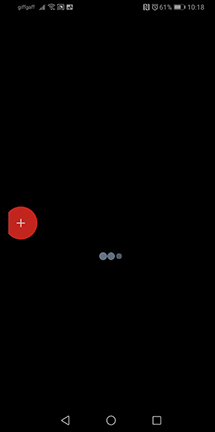
The prototype wouldn’t allow the screen recorder to capture participants’ screens.
Once we addressed the issues with the protocol and the prototype that we uncovered during our pilot, we launched the test, and I moved on to watching participant videos and taking lots of notes (direct quotes!) that I’d mine for insights later.
Analysis and report writing don’t have to be scary
Analyzing the test data and delivering the findings (and recommendations!) was the most intimidating part of the process for me. As a designer, I’ve always looked to the research findings deck as a ‘beacon of truth’ in the design process. Now that I was running the research, I felt a lot of responsibility to deliver that same truth and guidance.
I worked through those feelings of intimidation by triple-checking my sources, mapping my data (including quotes) to the research questions and getting the following awesome perspective from Jennifer:
- Usability tests are mostly about observation — just tell the story of what you saw.
- The findings don’t need to be the ‘tablets coming down from the mountain,’ they just need to be accurate and backed by the data.
- Design recommendations are suggestions, not directions. By phrasing them as “How might we?” questions (rather than being prescriptive about solutions), I could frame problems for the Lockwise team and rely on them to use their deep knowledge of the product and space to solve them.
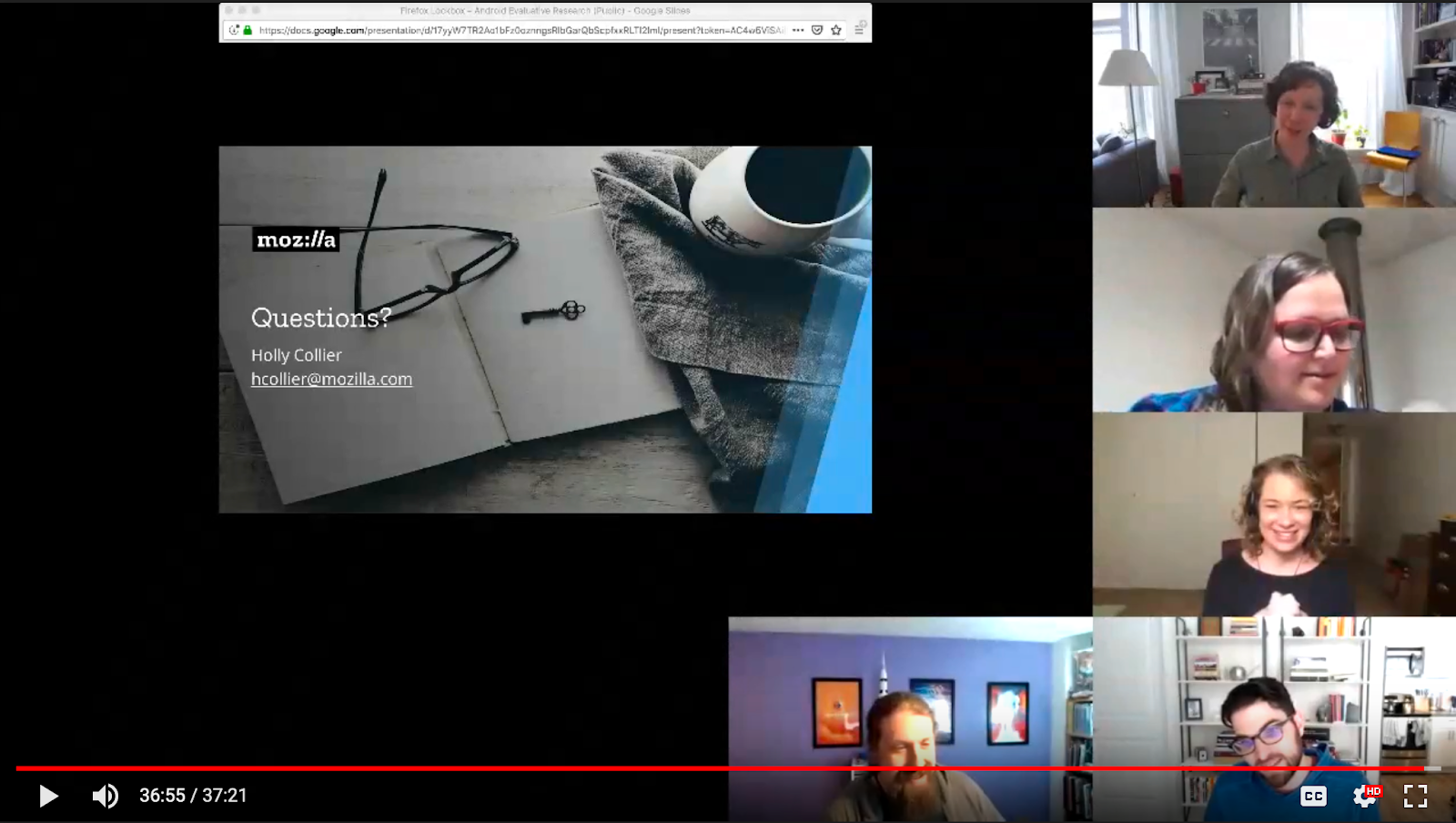
The distributed Firefox Lockwise team during the findings presentation.
As it turned out, giving the findings presentation to the Lockwise team actually ended up being one of my favorite parts of the whole process. Telling the story was fun and inspired great conversation, and the Lockwise team really appreciated the “How might we?” format I used for the design recommendations.
How did the usability testing mentorship go for mentor?
Jennifer, take it away!
Helping Holly out with this project helped make tacit knowledge explicit. I’ve done many, many usability tests. I am almost on auto-pilot when I conduct them. So it was a great exercise to actually explain the process with a co-worker and perform a needed amount of reflection on my process. Especially with Holly, who was willing to learn and asks great questions.
Here are some of those great questions that made me reflect on my process:
How do I know when the pilot phase is over? The pilot is over when the protocol “works” as intended. That means there are no show-stopping bugs in the platform that prevent someone from doing the task — and if there are showstoppers, adjusting the protocol. It also means that your questions have been phrased in a way that people understand. You can only determine this through observing a couple pilot participants.
Can I use my pilot data in the report? The academic in me says that if the protocol changes at all from the pilot to running the rest of the tests, no, you can’t use the pilot data in the report. The industry researcher in me says that sure, you can include the results as long as you mark it clearly as pilot data.
How do I present ‘bad news’ to a team? Most usability tests have at least some good news. Start with that! Be clear about when you’re going to deliver the bad news and come prepared with “How might we?” questions or recommendations on how to improve the experience.
How do I make sure I take my personal bias of how I understand this app out of the process? Acknowledge your bias. Know what it is going in and voice it to your mentor. Do exactly what Holly mentioned earlier and double and triple-check your results against the videos, direct quotes, and research questions. Do you still feel like you might be stretching the interpretation of a result? Check with your mentor, or anyone who’s done a usability test before. Have a co-worker who isn’t very close to the project review your results and recommendations before you present them to the wider team.
And now, in parting.
Holly, the designer & mentee says:
Designers, you can do user research! Since completing the mentorship, I have conducted conducted several other studies, including a usability/concept test and an information architecture research study. It’s become a regular part of my design practice, and I think the products I work on are better for it.
Jennifer, the user researcher & mentor says:
User researchers out there: you can run your own usability testing mentorship program!
In the spirit of open source, here are some examples:
- Usability Mentorship Sessions — Public, initially created by Nicole Love, edited by Jennifer Davidson
- Firefox Usability Mentorship Intake Form — Public, created by Gemma Petrie
- Holly’s usability test protocol
- Holly’s analysis spreadsheet
- Holly’s report — 2019 Firefox Lockbox — Android Evaluative Research (Public)
Thank you to Gemma Petrie, Anthony Lam, and Elisabeth Klann for reviewing this blog post. And a special thanks to Gemma Petrie for setting up the Usability Mentorship Program at Mozilla.
Also published on medium.com.