This post comes with Scania VCI3 SDP3 V2.43.1 user manual incl. application and driver software installation, activation, cracking and VCI update.
Software version: Scania SDP3 2.43.1

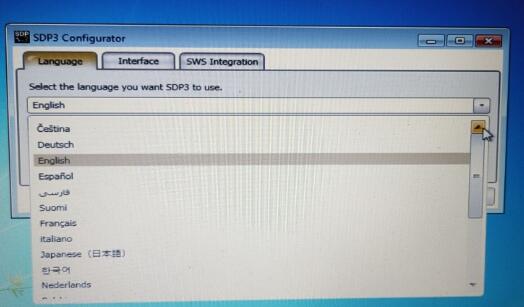
Language: Czech, German, English, Spanish, Persian, Suomi, French, Italian, Japanese,
Korean, Dutch, Polish, Portuguese, Russian, Swedish, Thailand, Turkish, Chinese

Operating system: Windows 7 32 bit/64 bit
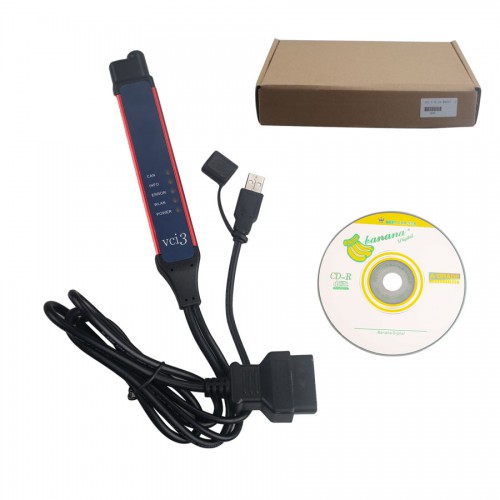
Compatibility: confirmed to work with Scania VCI 3 interface only!
How to activation SDP3 V2.43.1?
SDP3 V2.43.1 activation help will be got by pros at http://www.eobdtool.co.uk/wholesale/scania-vci3-wifi-diagnostic-tool.html. Please send your ID to your dealer to activate.
How to install Scania SDP3 2.43.1?
Scania SDP3 2.43.1 installation video on Win7 64 bit (4GB):
Step-by-step installation guide:
Step 1: Copy the Scania SDP3 v2.43.1 file to desktop
There are 4 items in the file: incl.
SDP3 Patch
AdbeRdr920_en_US
NDP462-KB3151800-X86-X64-AIIOS-ENU
Scania Diagnose & Programmer 3 2.43.1

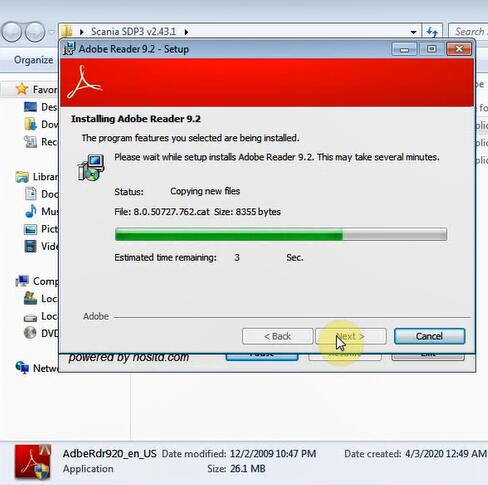
Step 2: Install Adobe Reader 9.2
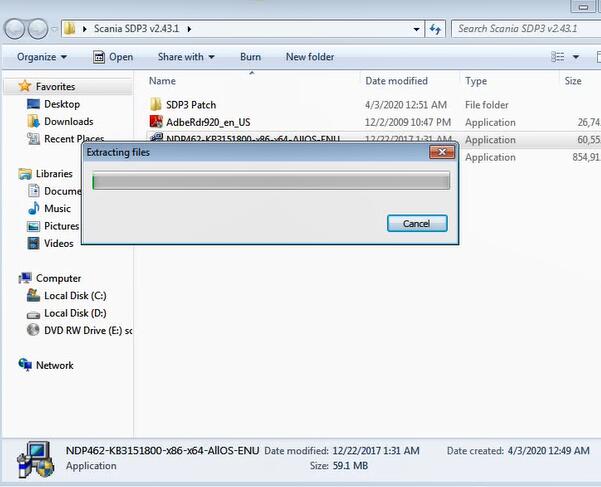
Step 3: Open “NDP462-KB3151800-X86-X64-AIIOS-ENU”to install Microsoft 4.6.2
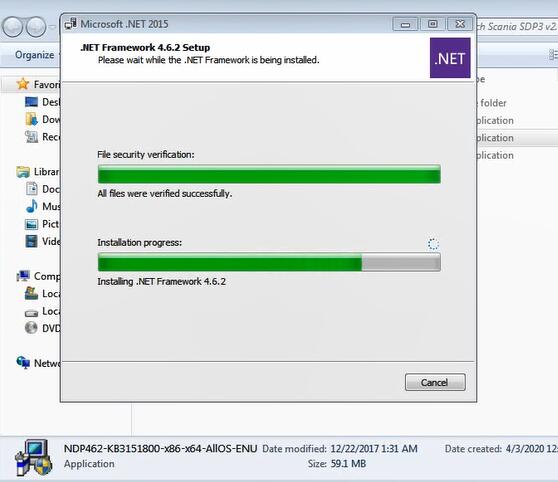
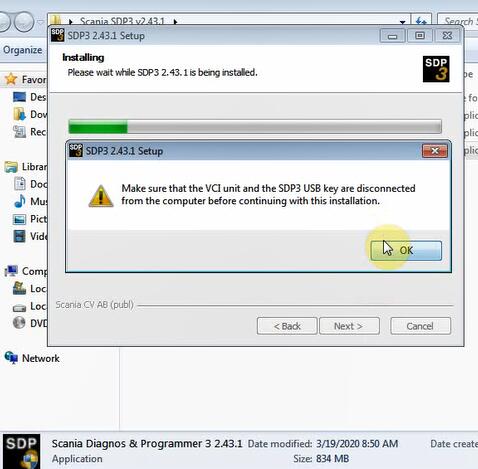
Step 4: Install Scania Diagnos & Programmer 3 2.43.1 setup
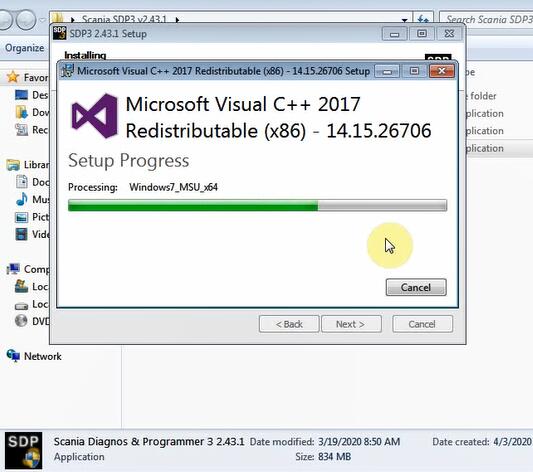
Step 5: Run Prerequisites
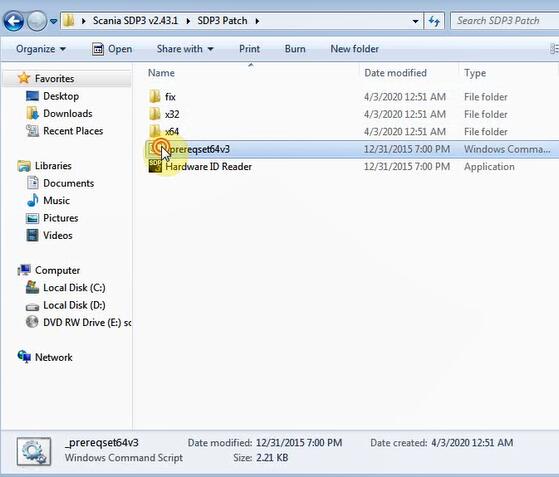
If the procedure appear “access is denied” error, please copy “_prereqset64v3” to Disk [c:] and establish a new folder as “fix”
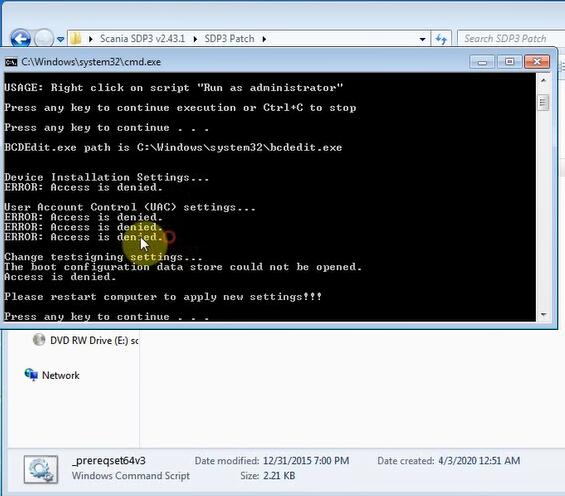
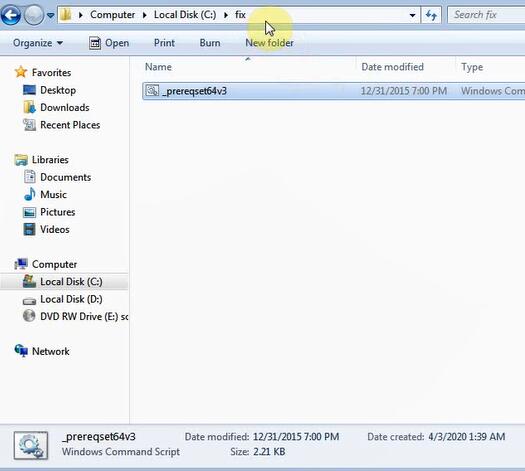
Run computer cmd to enter “C:\fix” and” _prereqset64v3” to fix the error
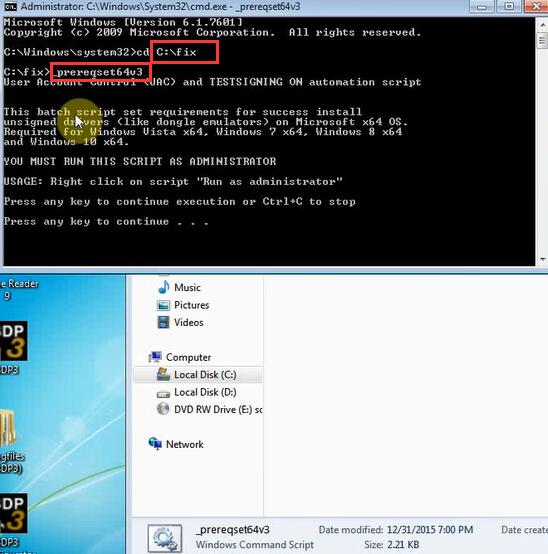
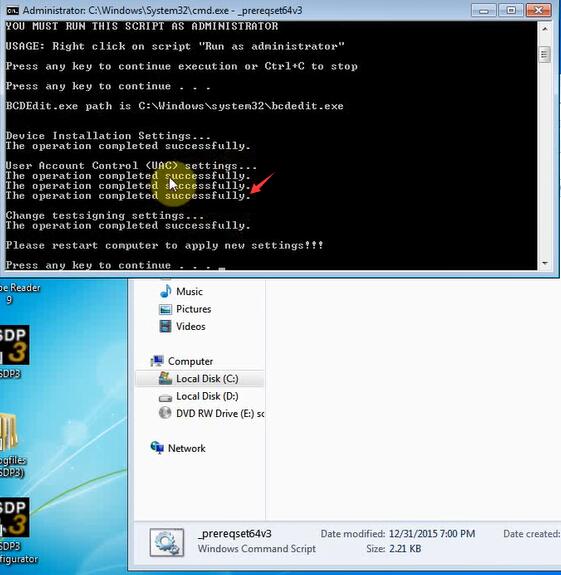
Restart computer
Step 6: Install SDP3 2.43.1 driver software
Go to KeyGenandFIX folder, install 64bit driver
Device driver software installed successfully. Device is ready to use.
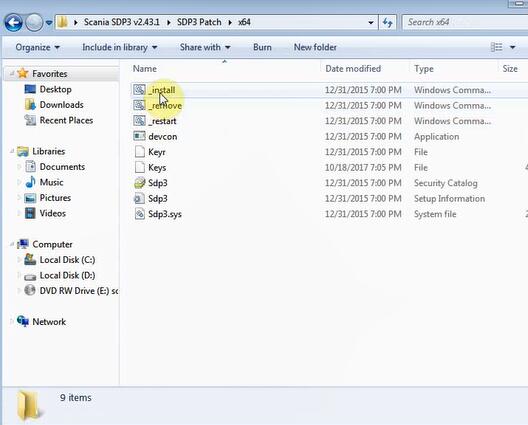
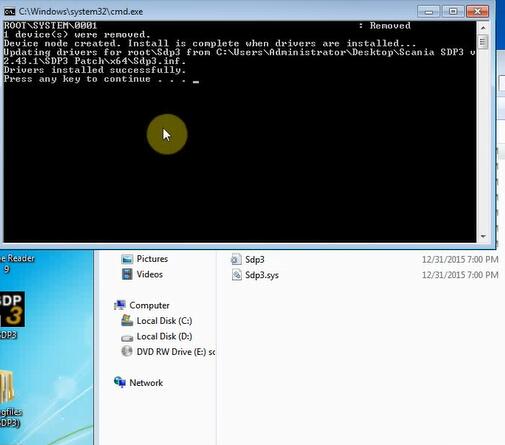
Step 7: Activate & crack SDP3 2.40.1
Open KeyGenandFIX folder->Hardware ID Reader-> SDP3 HWID reader x86 (public)
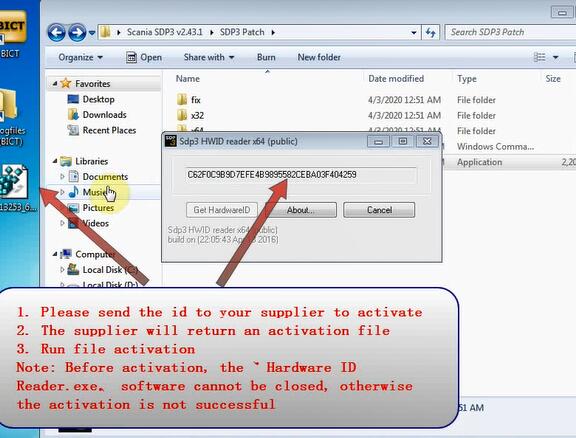
Copy and paste hardware ID to desktop
Merge registry editor on desktop
Open Fix File 2.4.3.1 folder, copy and replace SCMM_SSK.dat and SCOMM_SSK-HL.dll file to C:/Program Files/Scania/SDP3 folder
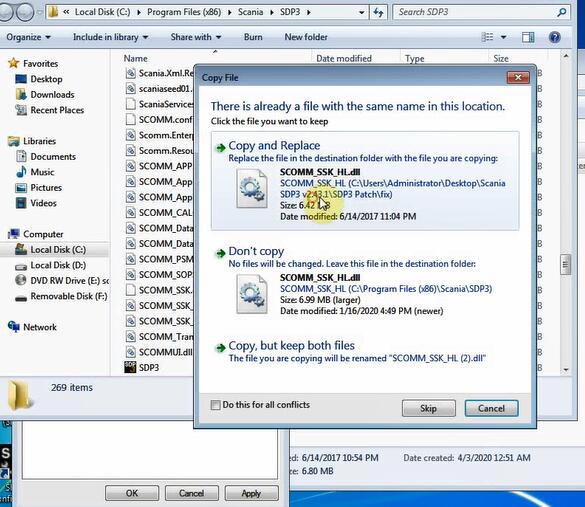
Open Time application and press Crack
Crack sdp3 succeed.
Restart computer
Step 8: Run Software
Open SDP3 Configurator on desktop
Select software language and interface
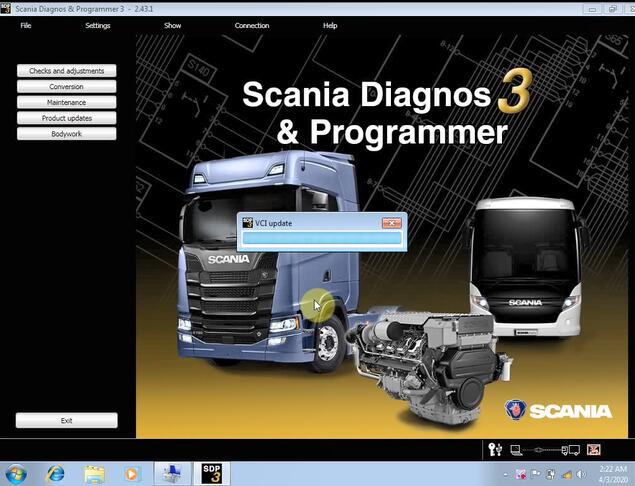
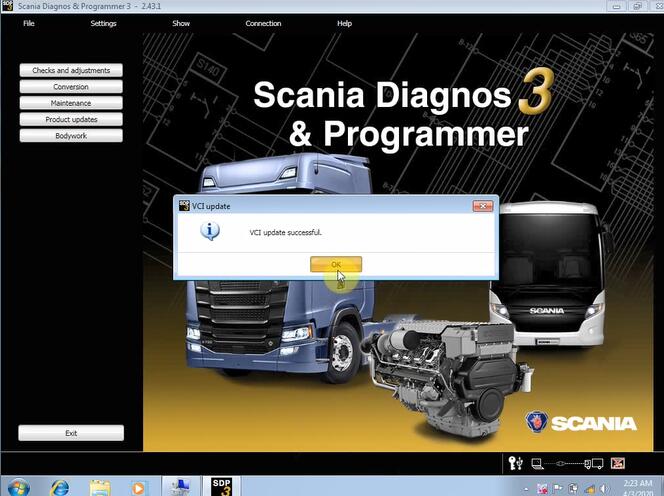
Run SDP3 software
That’s all!
Article source:http://blog.eobdtool.co.uk/how-to-install-and-activate-scania-sdp3-v2-43-1-on-win7/